Quick Start Guide
Sign up and start trading on PMF in just a few steps.
Step 1: Sign in
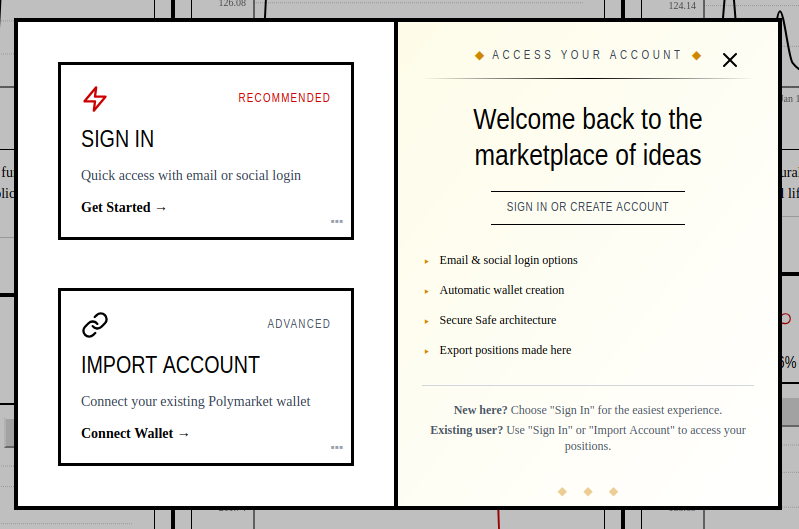
- Visit pmf.finance
- Click "SIGN IN" at right side of the masthead
- Choose the recommended "Sign in" option to create a new account on PMF. If you are already an active trader on Polymarket, you may choose to import and manage your own account as well.
- Sign in via email, google account, X account or any crypto wallet.
- PMF will automatically set up and connect a Polymarket account for you.
Step 2: Fund Your Account
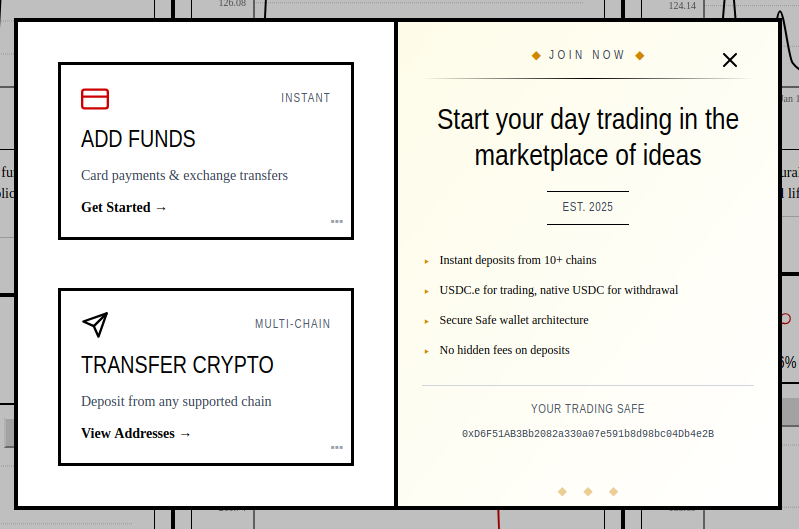
Before you can start trading, you'll need USDC in your wallet:
- Click the "FUND" button to open the funding modal
- Choose your funding method:
- Buy via exchange: Connect your external account and fund directly
- Transfer from another wallet: Transfer funds from a wallet you control
Expect to wait < 5 minutes as the funds move from one account to another and is recognized by the frontend.
tip
It's recommended start with a small amount (e.g., $50-100) while you learn the platform.
Step 3: Place Your First Trade
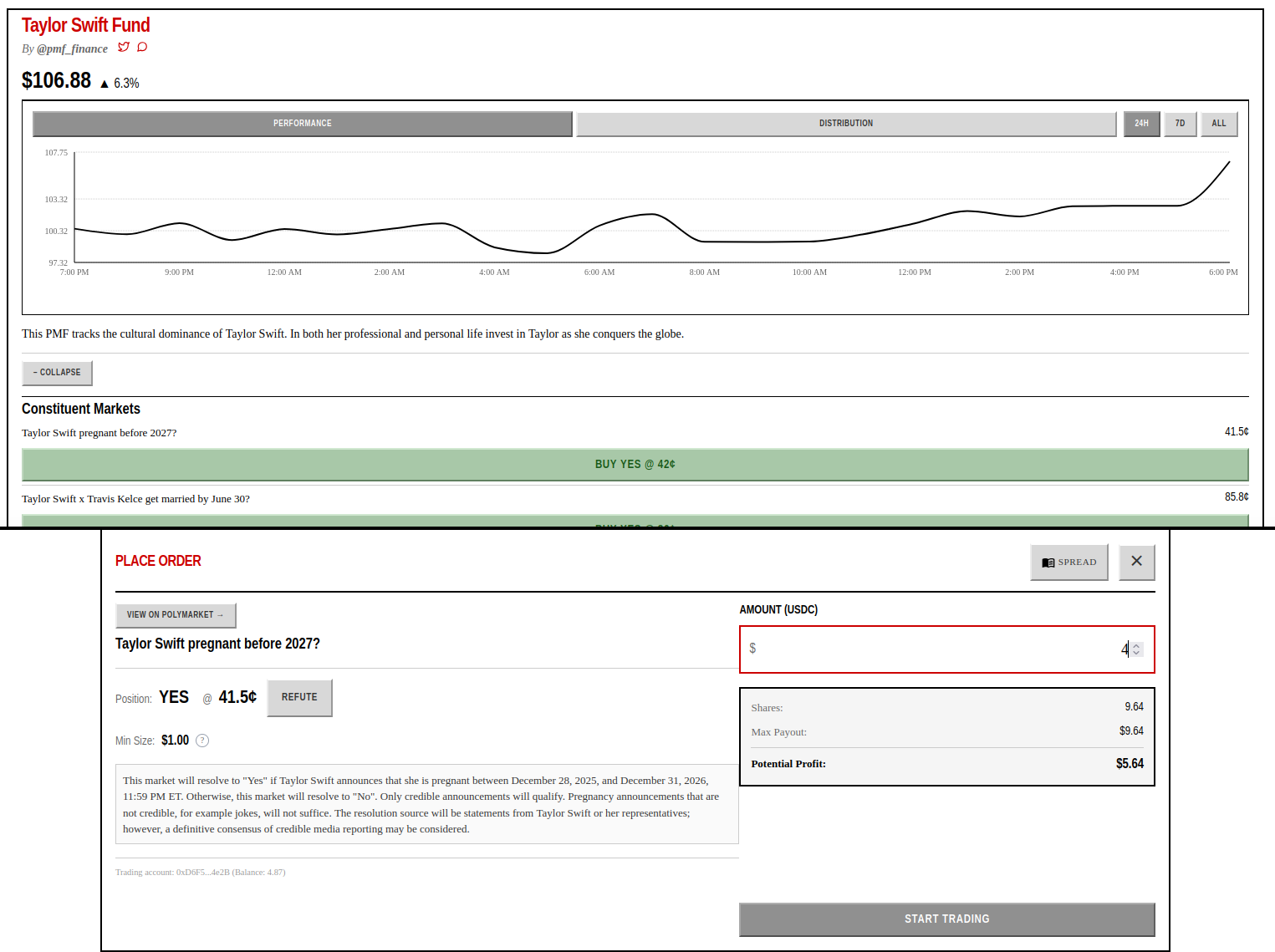
- Browse the frontpage PMFs for a trend you fancy
- Click on "+ Expand Markets" to view prices of the constituent markets
- Clicking on an individual market opens the betslip to see more details such as:
- Current odds and pricing
- Market details and resolution criteria
- Minimum order size
- Enter the amount of USDC you wish to spend on the position and click the "Place Order" button
- After a few seconds the order will be executed and viewable in the portfolio page
Need Help?
- Check our Trading Guides for detailed instructions
- If you need help or run into issues email ben@pmf.finance